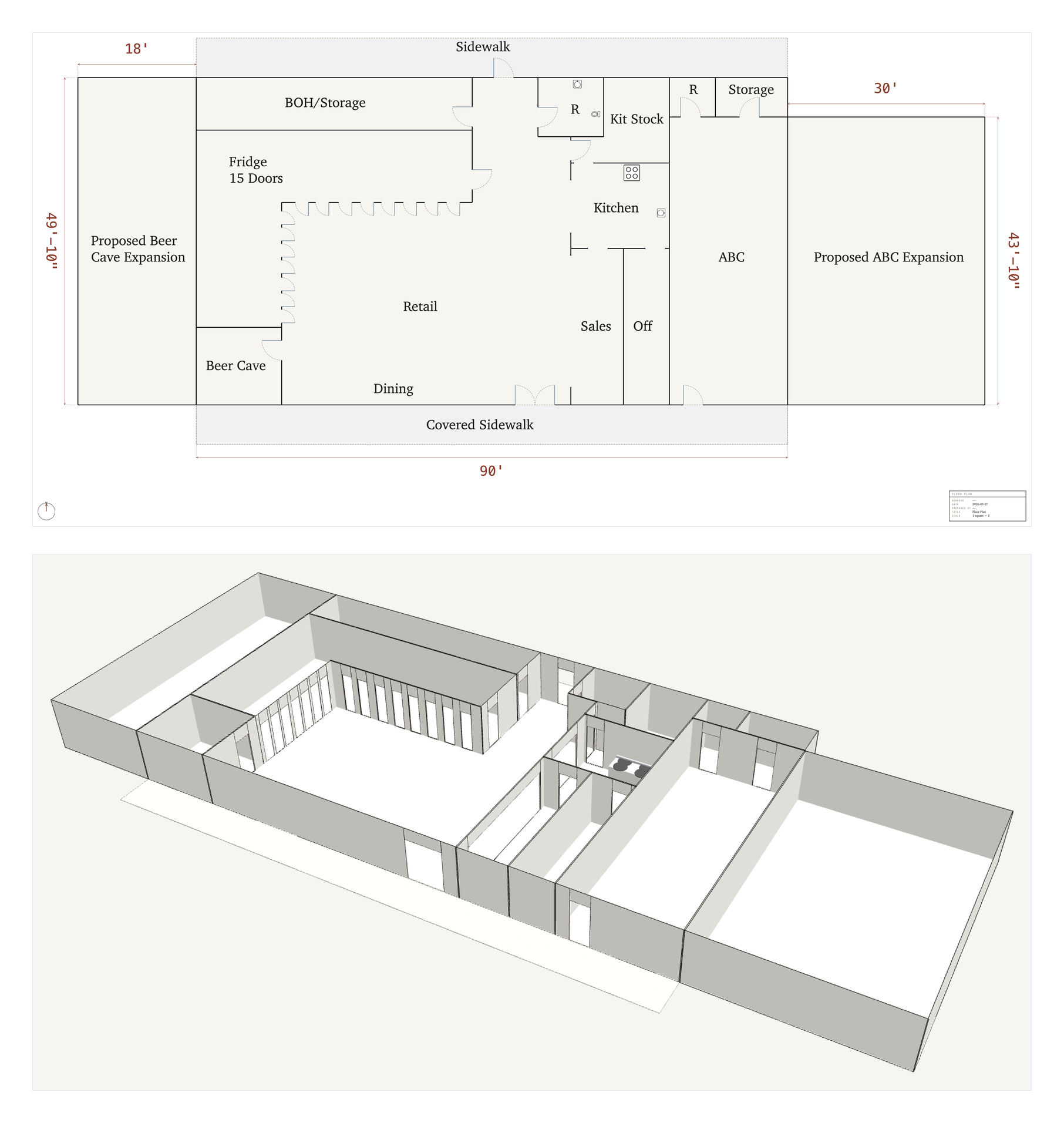
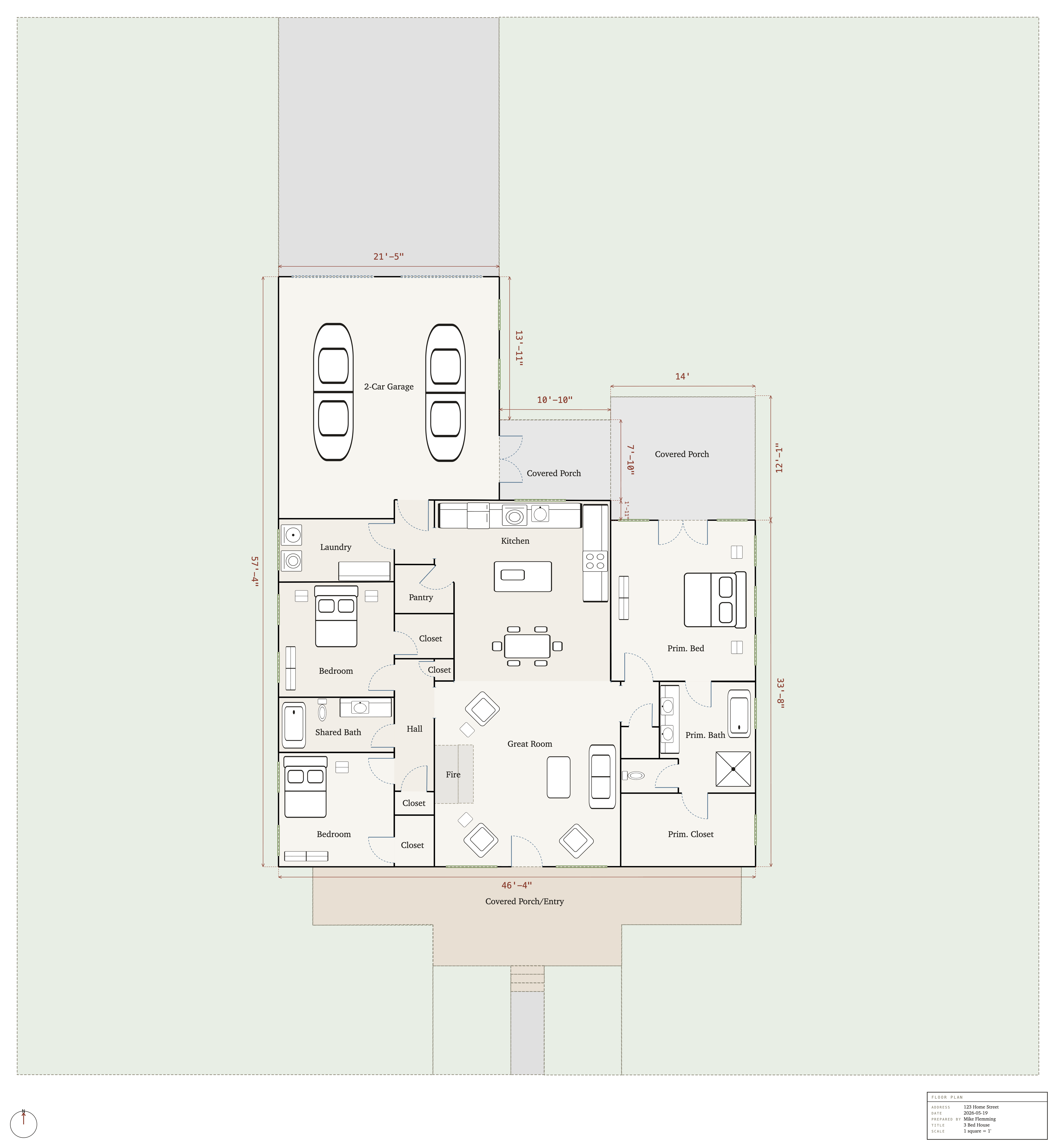
Built for one job
Quick, clean floor plans
Who uses it
For anyone who needs a measured plan
Real estate agents building listing plans. Homeowners planning a renovation or a furniture layout. Landlords and renters showing a space. Small business owners laying out a shop, office, or restaurant. Appraisers documenting improvements. Anyone who needs a measured plan without the learning curve.
How it works
From blank canvas to exported plan in four steps
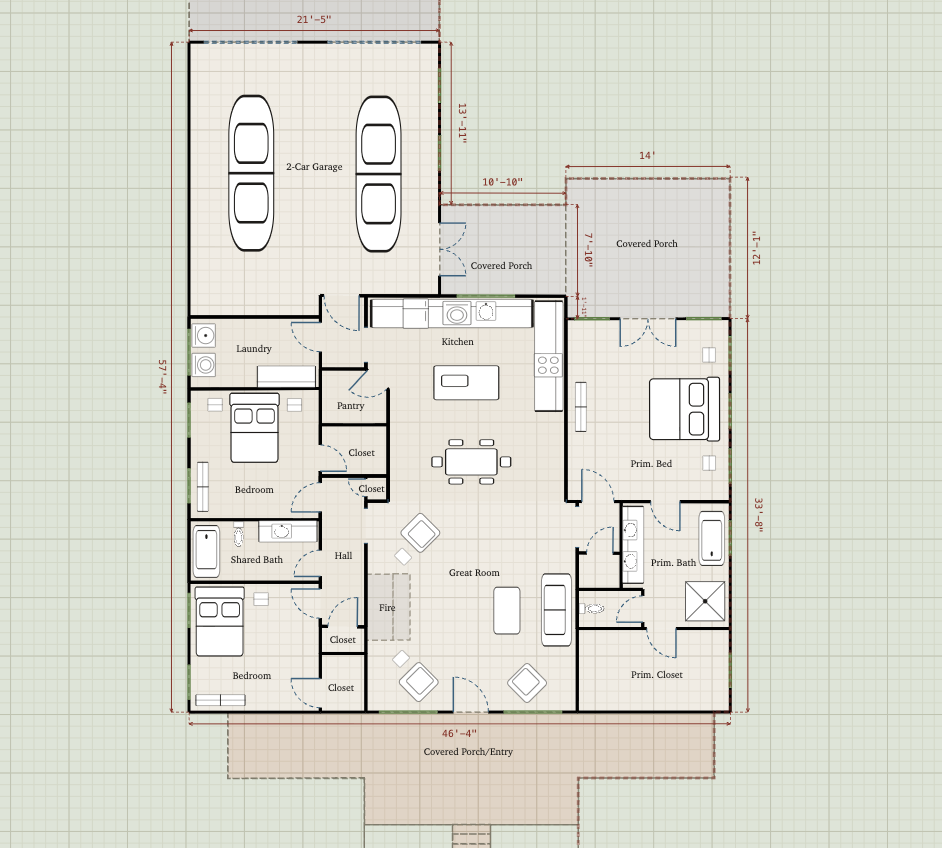
1Sketch your space
Snap to the grid and to existing vertices. Every wall measures itself as you draw, so the plan stays to scale from the first line.
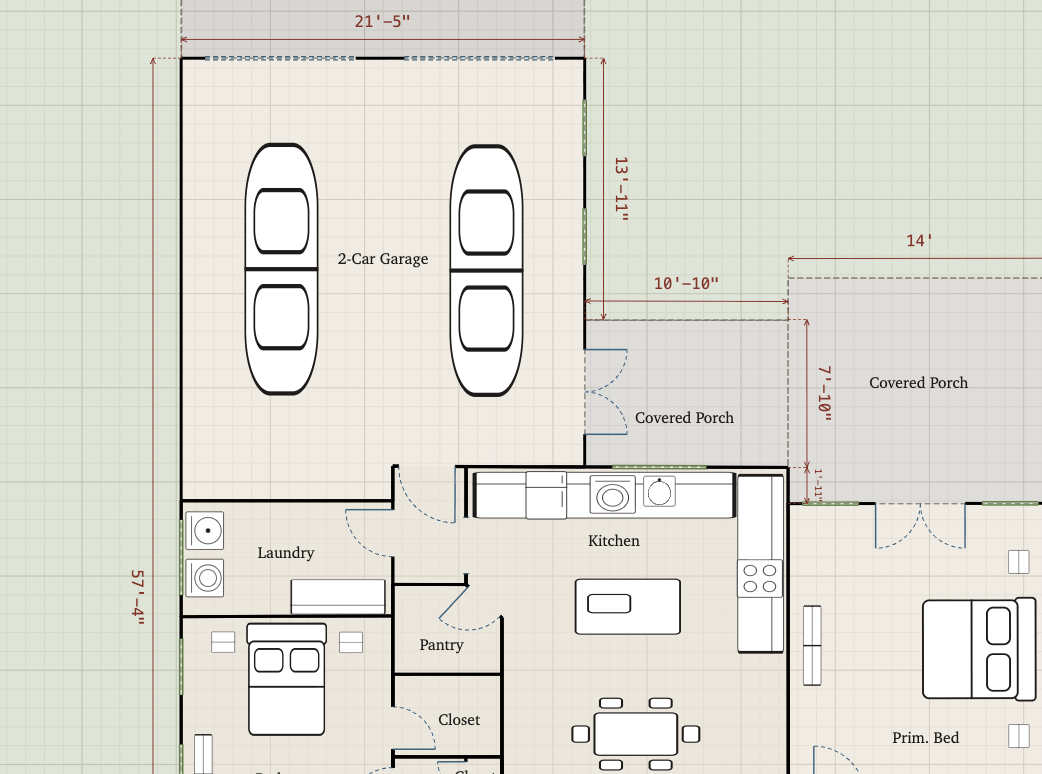
2Add openings and fixtures
Doors, windows, and framed openings, then toilets, sinks, ranges, appliances, and HVAC. They snap flush to walls and rotate to fit.
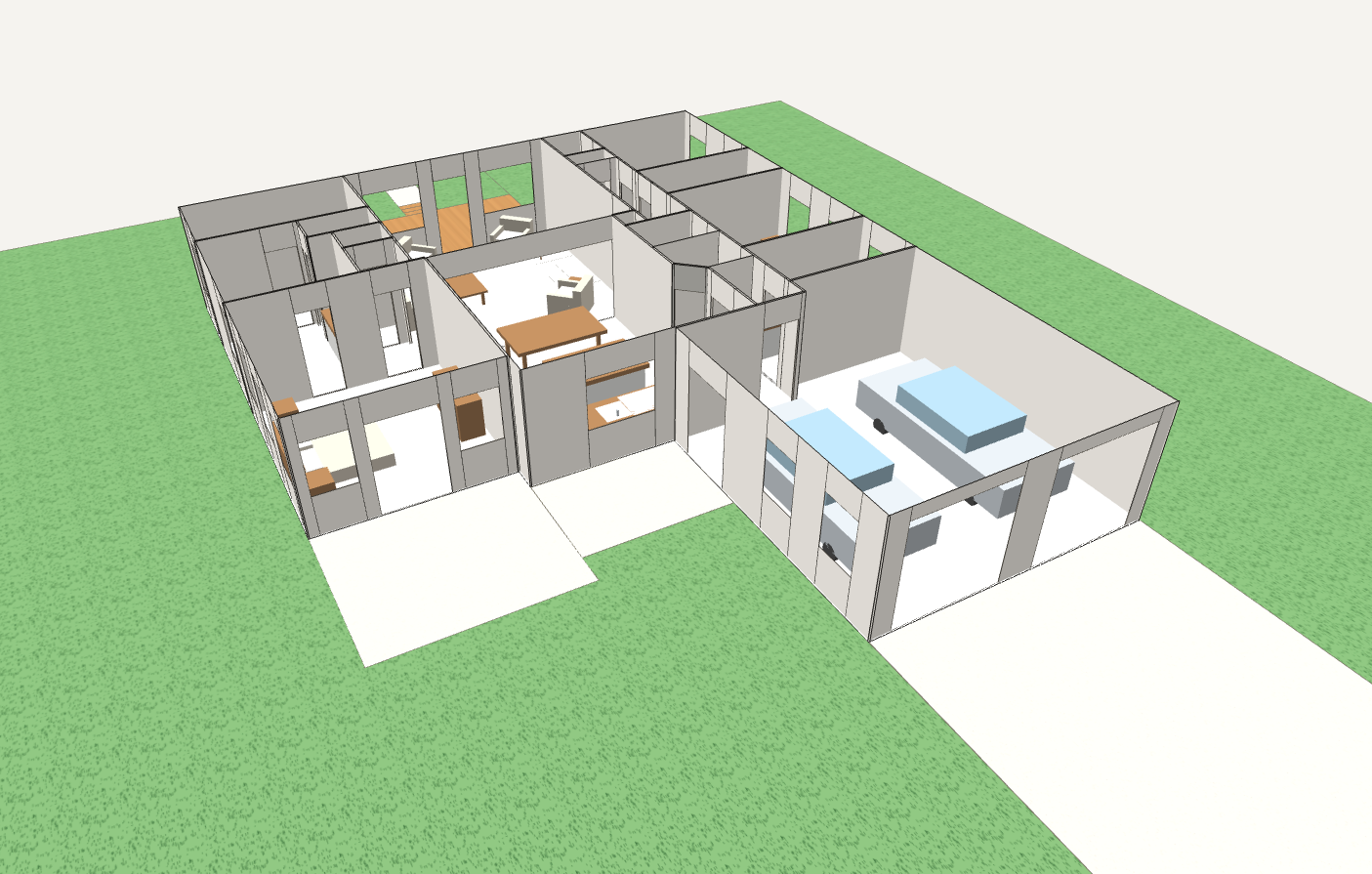
3Flip to 3D
One click extrudes the walls with per-room ceiling heights, so you see the space, not just the lines.
4Export it
Save a PNG or PDF, ready to drop into a listing, a report, or a document.
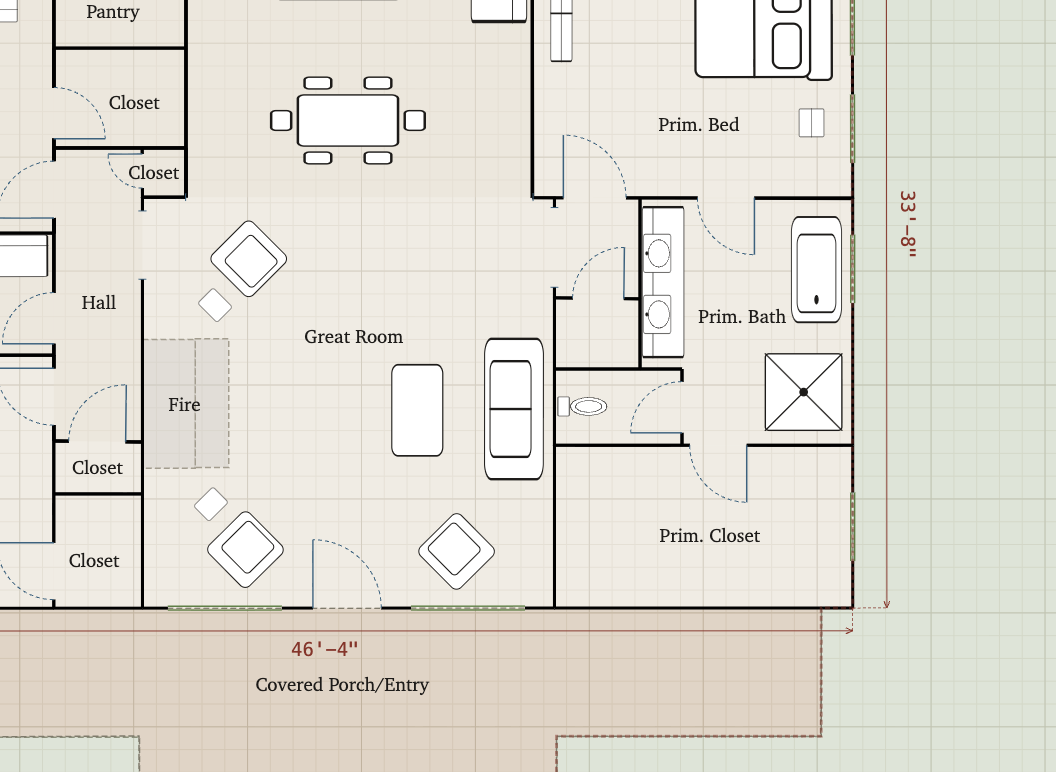
Scaled drawing, auto-measured walls
Draw to real dimensions. Snap to the grid and to existing points, and every wall labels its own length as you go. Set the scale anywhere from 6 inches to 10 feet per square, so the same tool works for a closet or a warehouse.
Doors, windows, fixtures, and furniture
Single, double, pocket, bifold, sliding, and overhead doors, plus framed openings and windows. Drop in toilets, sinks, tubs, ranges, refrigerators, washers, beds, sofas, tables, and more. They snap flush to walls and rotate to fit.
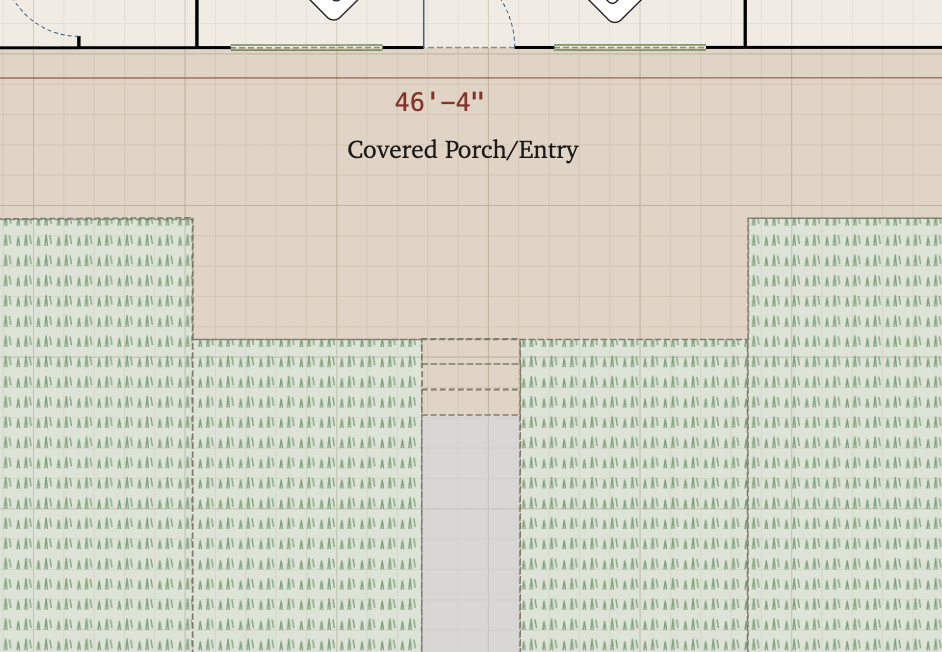
Surfaces and site context
Add patios, driveways, sidewalks, and lawns with textured fills, so the plan shows the property, not just the building. Useful for listings and reports where the lot matters.
See it in 3D
Switch from the flat plan to an extruded 3D model in one click, with per-room ceiling heights. Useful for checking a layout, spotting an awkward room, or showing a client what a space will feel like.
Export and sync
Export a clean PNG or PDF with a title block and north arrow. Your projects save to your account and sync across your devices, so you can start on a laptop and pick up on a tablet.
FAQ
Questions, answered
Do I have to install anything?
No. SketchAppraise runs in your web browser. Your projects save to your account and sync across your devices.
Are the plans to scale?
Yes. You set the scale, every wall measures itself as you draw, and drawing snaps to the grid and to existing points, so dimensions stay consistent.
Can I use it on a tablet?
It runs in any modern browser and the layout adapts to tablets and phones. Drawing is most precise with a mouse, trackpad, or a stylus. Broader touch-gesture support is in progress.
What can I export?
PNG and PDF, with a title block and north arrow. Drop the file straight into a listing, a report, or a document.
Who is it for?
Anyone who needs a clean, measured floor plan without learning CAD: real estate agents, homeowners, landlords and renters, small business owners, appraisers, and more.